Step 1: Set Your Direction in AI Coach
Video walkthrough
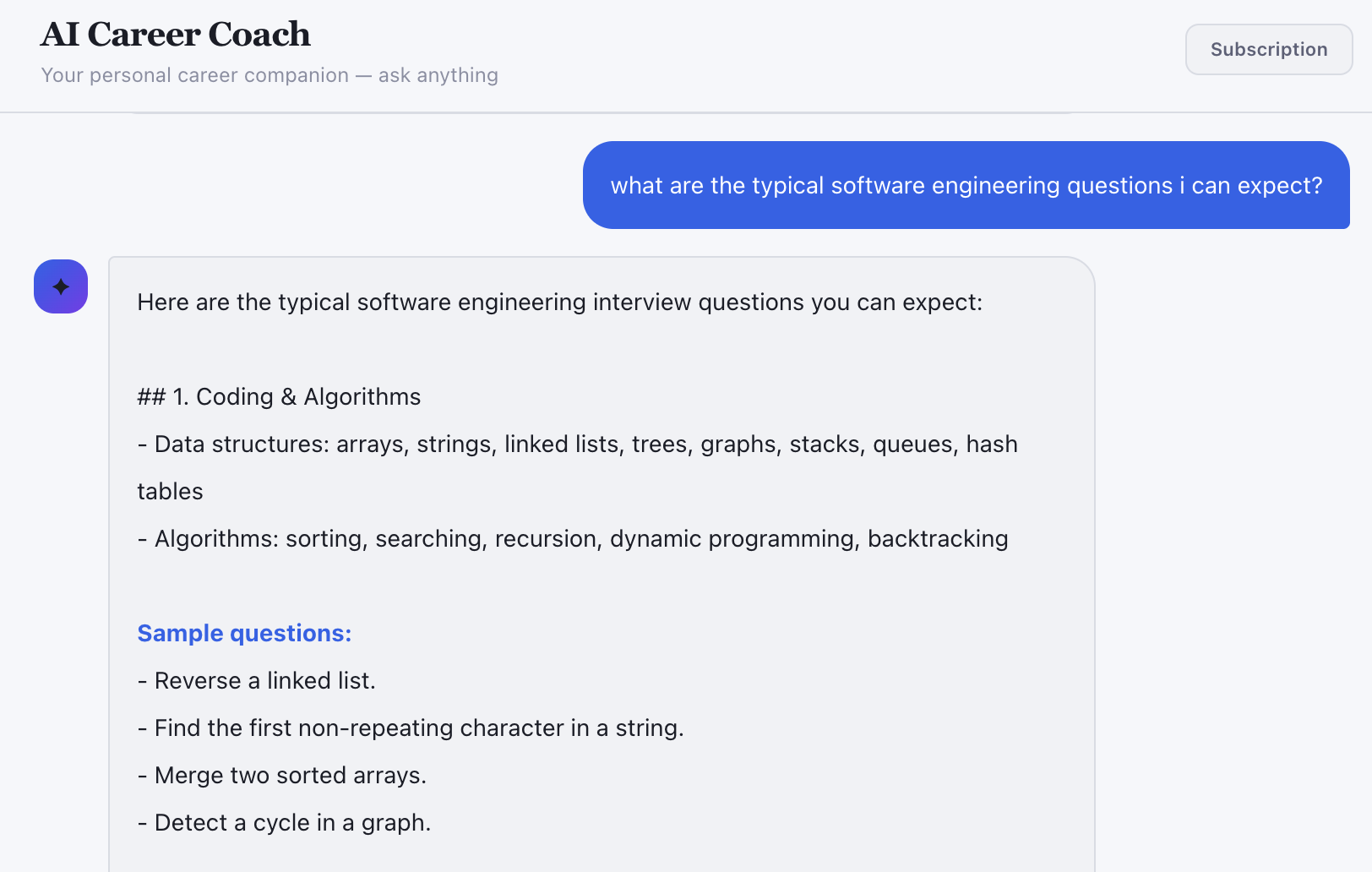
AI Coach walkthrough
- Open AI Coach.
- Ask: Create a 2-week job search plan for your target role.
- Ask follow-ups for resume, interview, and outreach priorities.
- Use the output as your weekly checklist.
Step 2: Build a Strong Resume
Video walkthrough
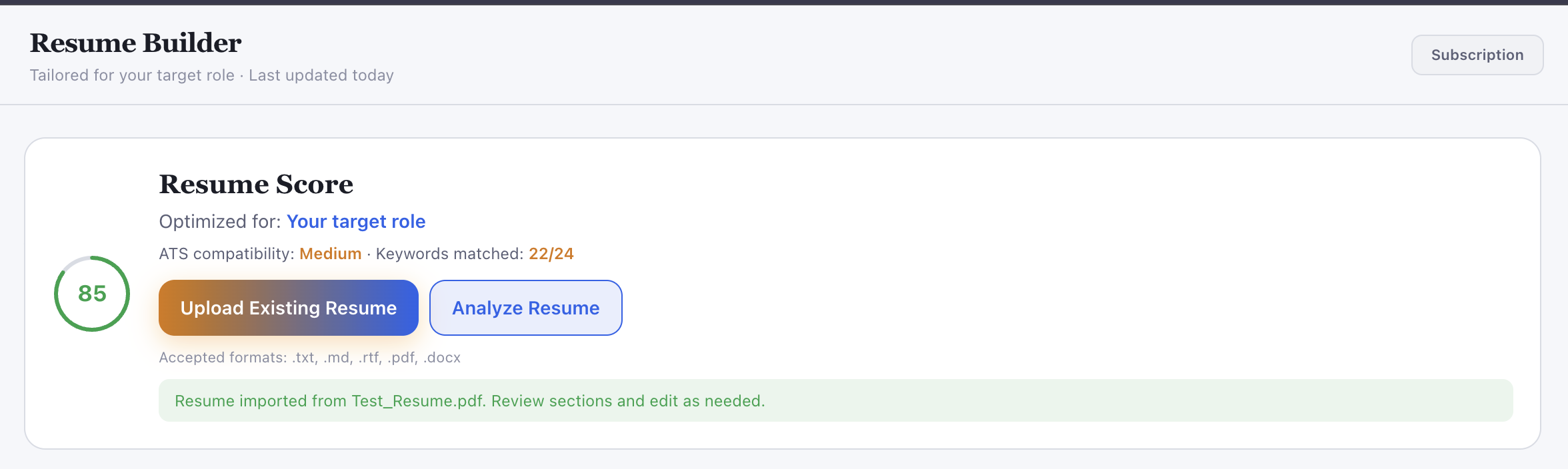
Resume + ATS walkthrough
- Open Resume Builder.
- Fill headline, summary, experience, and skills.
- Use AI rewrite for weak bullets.
- Run ATS checks and fix low-score items.
- Save the updated resume.
Step 3: Find High-Quality Roles
Video walkthrough
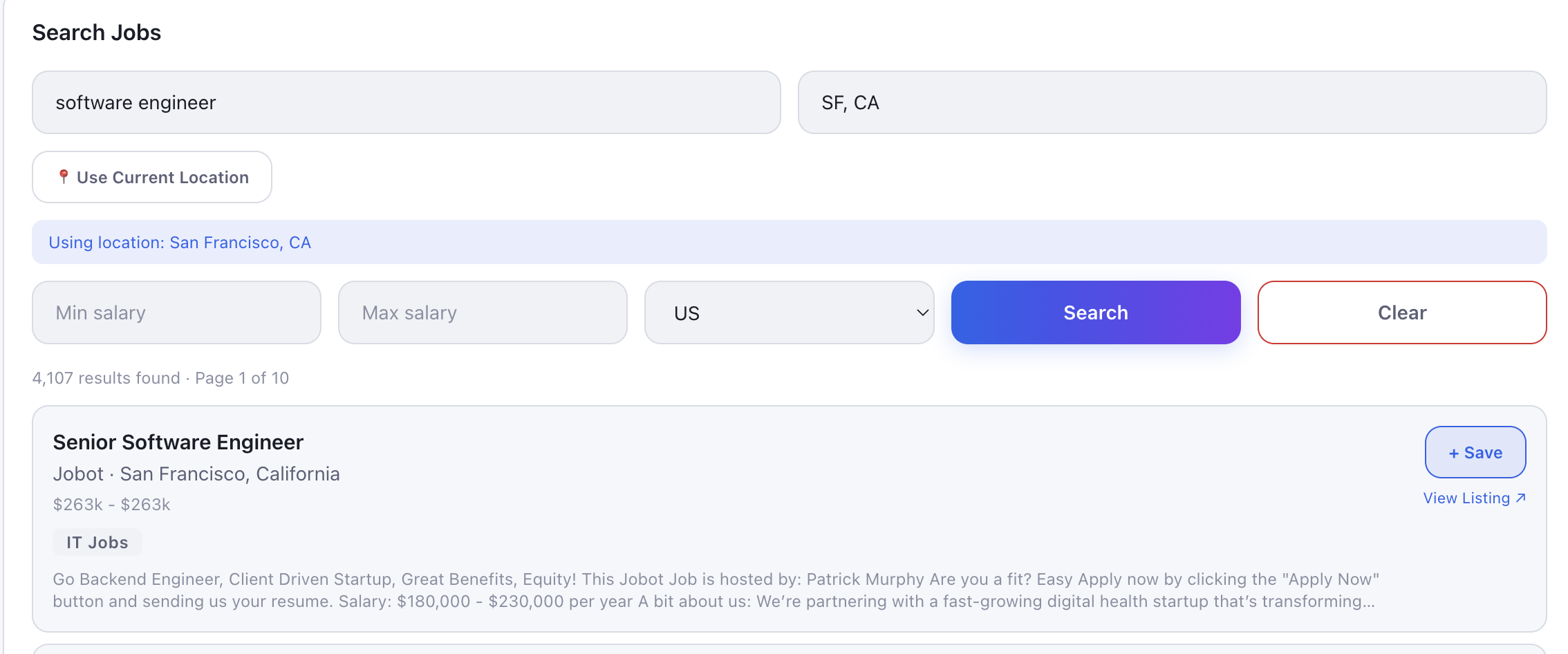
Search with current location
Save and apply flow
- Open Search Jobs.
- Enter role keywords and preferred location.
- Apply filters for realistic matches.
- Save the best roles to tracker.
Step 4: Track Every Application
Video walkthrough
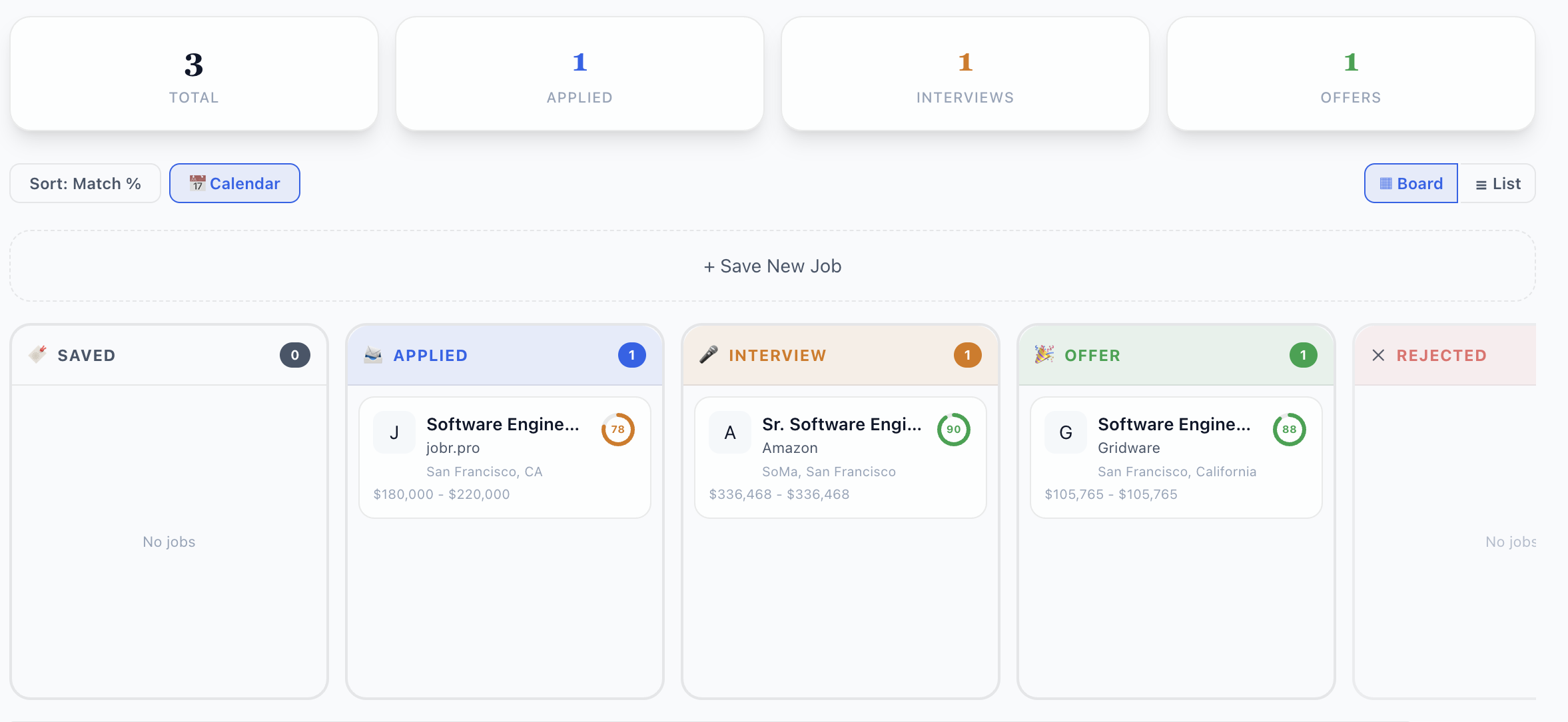
Job Tracker walkthrough
- Open Job Tracker.
- Add each role you want to pursue.
- Update status: Saved, Applied, Interview, Offer, Rejected.
- Add notes and follow-up dates.
Step 5: Prepare for Interviews
Video walkthrough
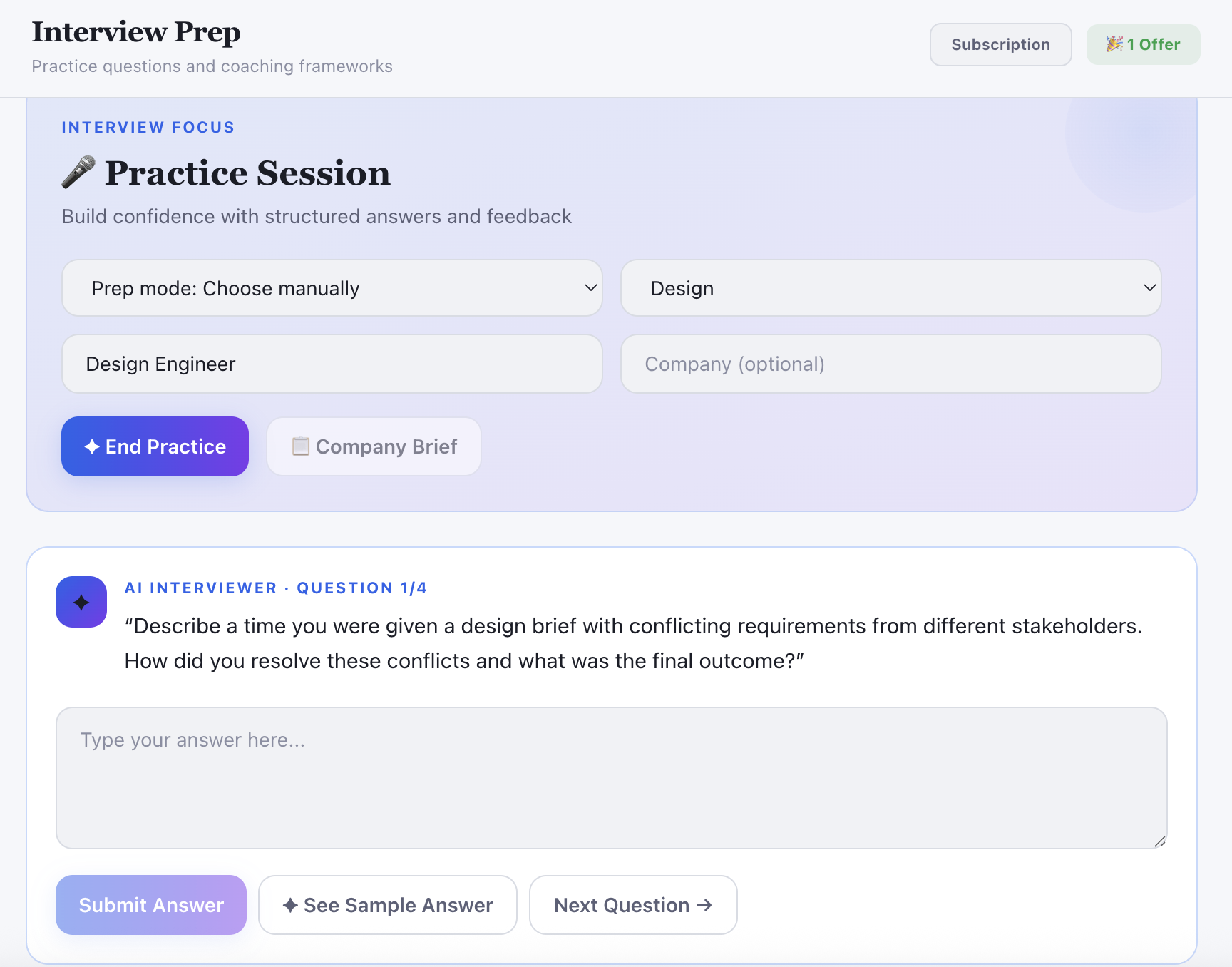
Interview practice walkthrough
- Open Interview Prep.
- Generate role-specific questions.
- Practice answers and improve weak areas.
- Repeat before each interview round.
Step 6: Close Skill Gaps
Video walkthrough
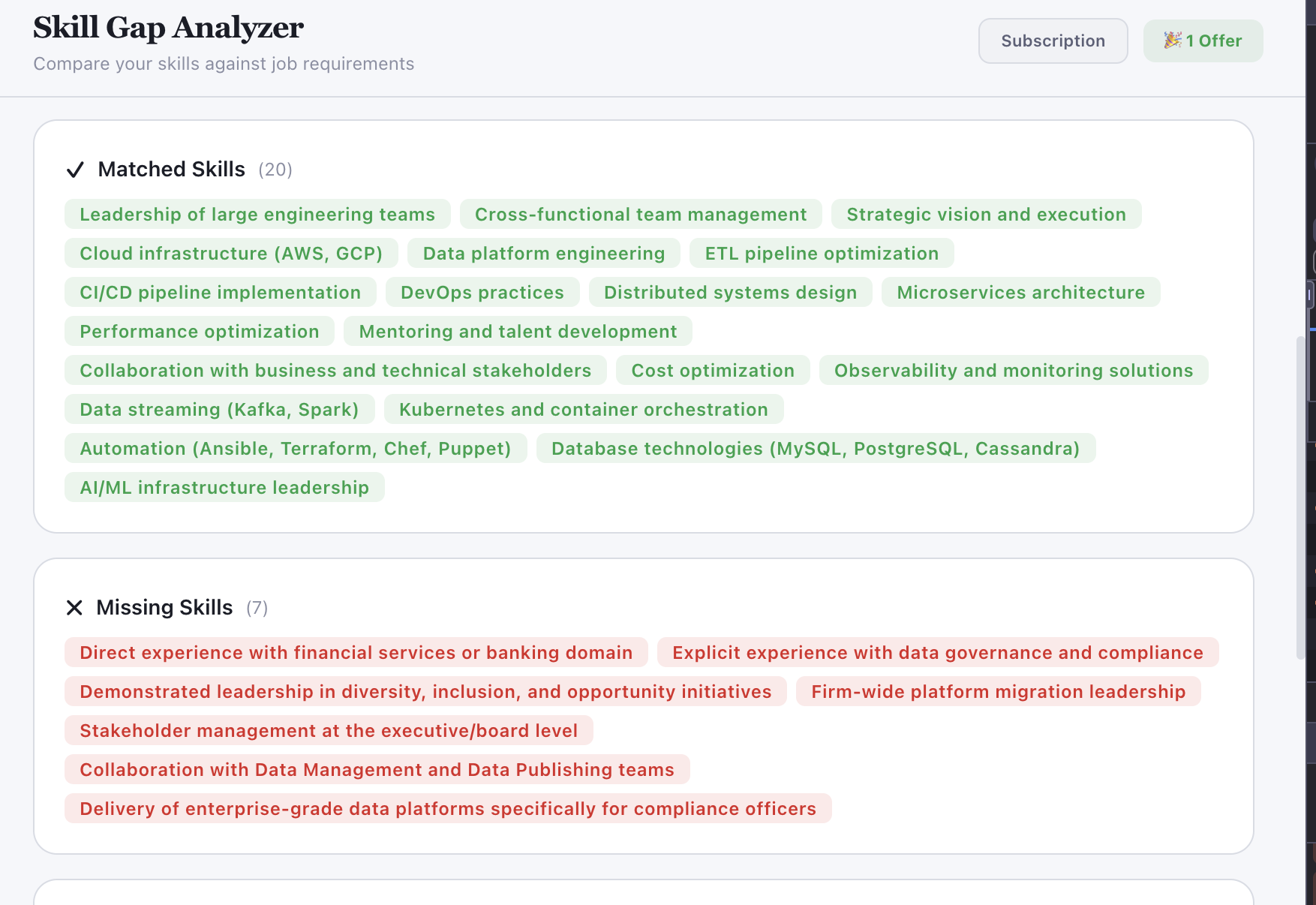
Skill Gap walkthrough
- Open Skill Gap Analyzer.
- Compare your profile vs target jobs.
- Identify repeated missing skills.
- Prioritize the top 1-2 skills each week.
Step 7: Send Better Outreach
Video walkthrough
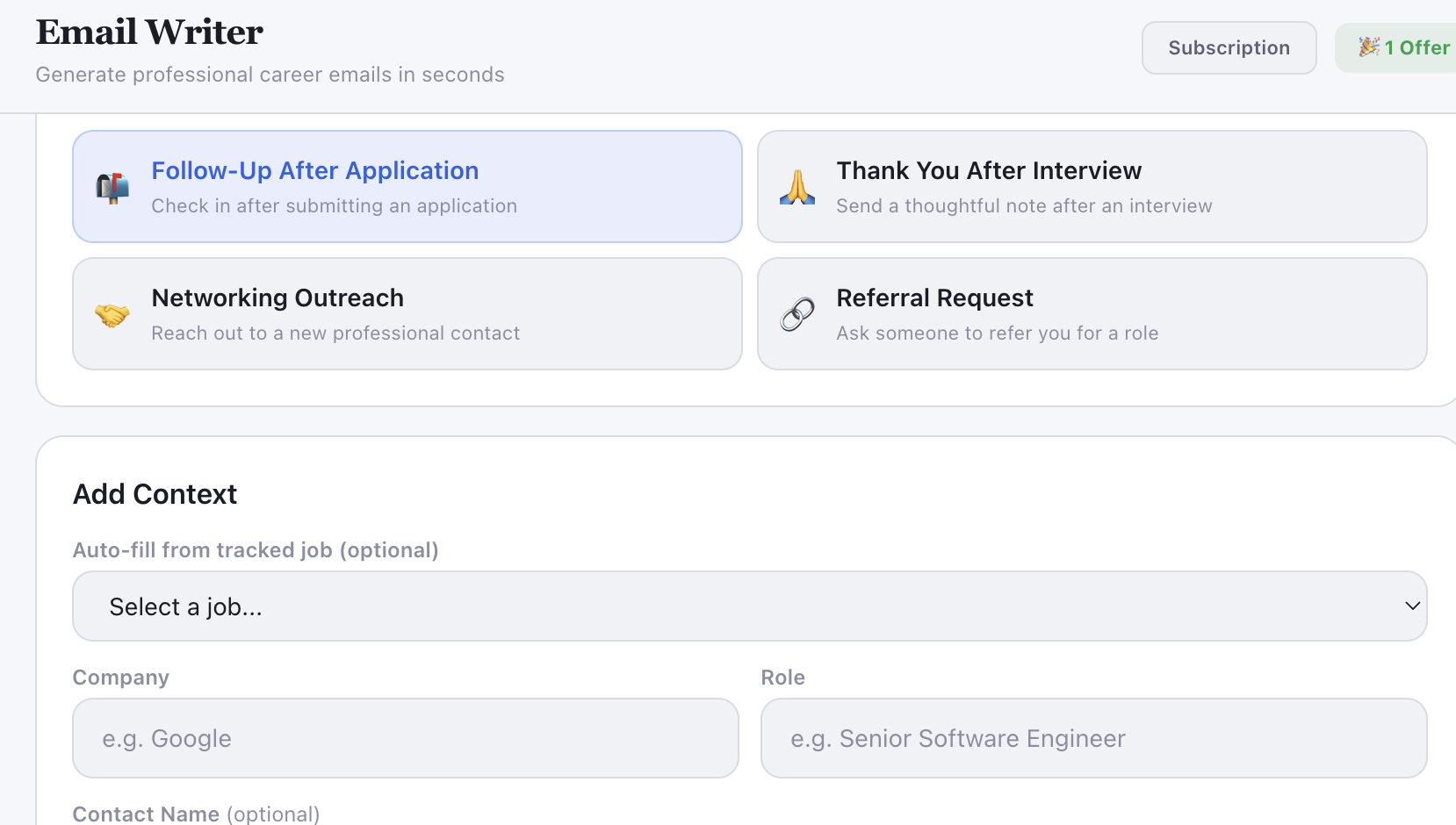
Email Writer walkthrough
- Open Email Writer.
- Choose a goal: referral, follow-up, thank-you, recruiter outreach.
- Generate the draft.
- Personalize and send.
Step 8: Optimize LinkedIn for Visibility
Video walkthrough
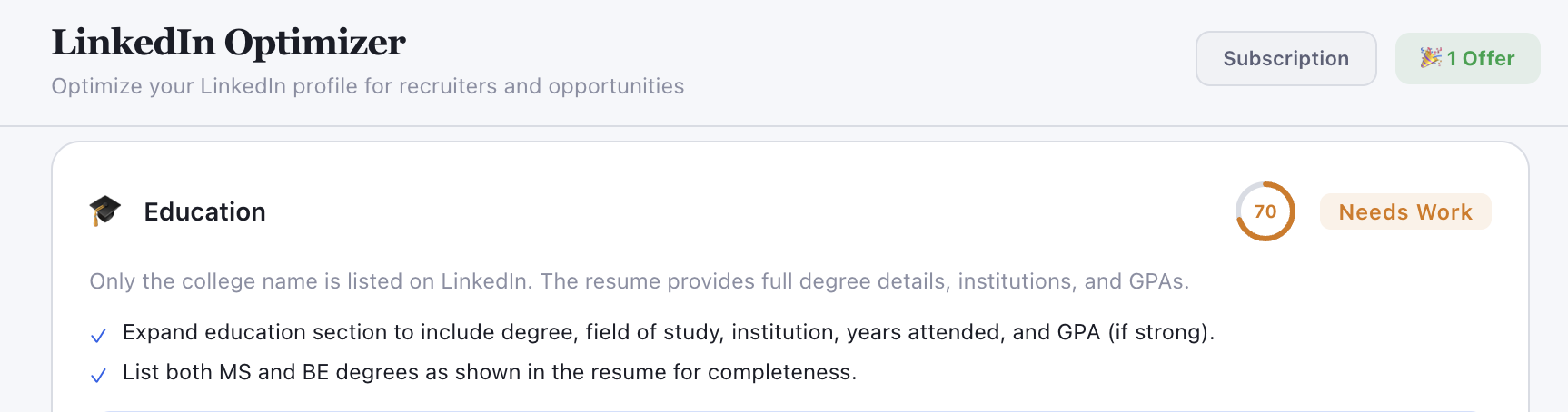
LinkedIn Optimizer walkthrough
- Open LinkedIn Optimizer.
- Paste headline, about, and experience sections.
- Apply improvements.
- Publish updates to LinkedIn.